Source material
A rough content brief or pasted notes
Start with the material you already have instead of forcing it into a design canvas first.
- A messy idea
- A report excerpt
- A blog section
- A transcript
- A list of talking points
No subscription. Pay only for HD exports.
Paste a rough idea, article, document excerpt, report note, or transcript. infoAIgraphic turns it into a structured visual preview before you pay for the HD export.
Secure Stripe checkout. Credits never expire. Commercial HD exports available.

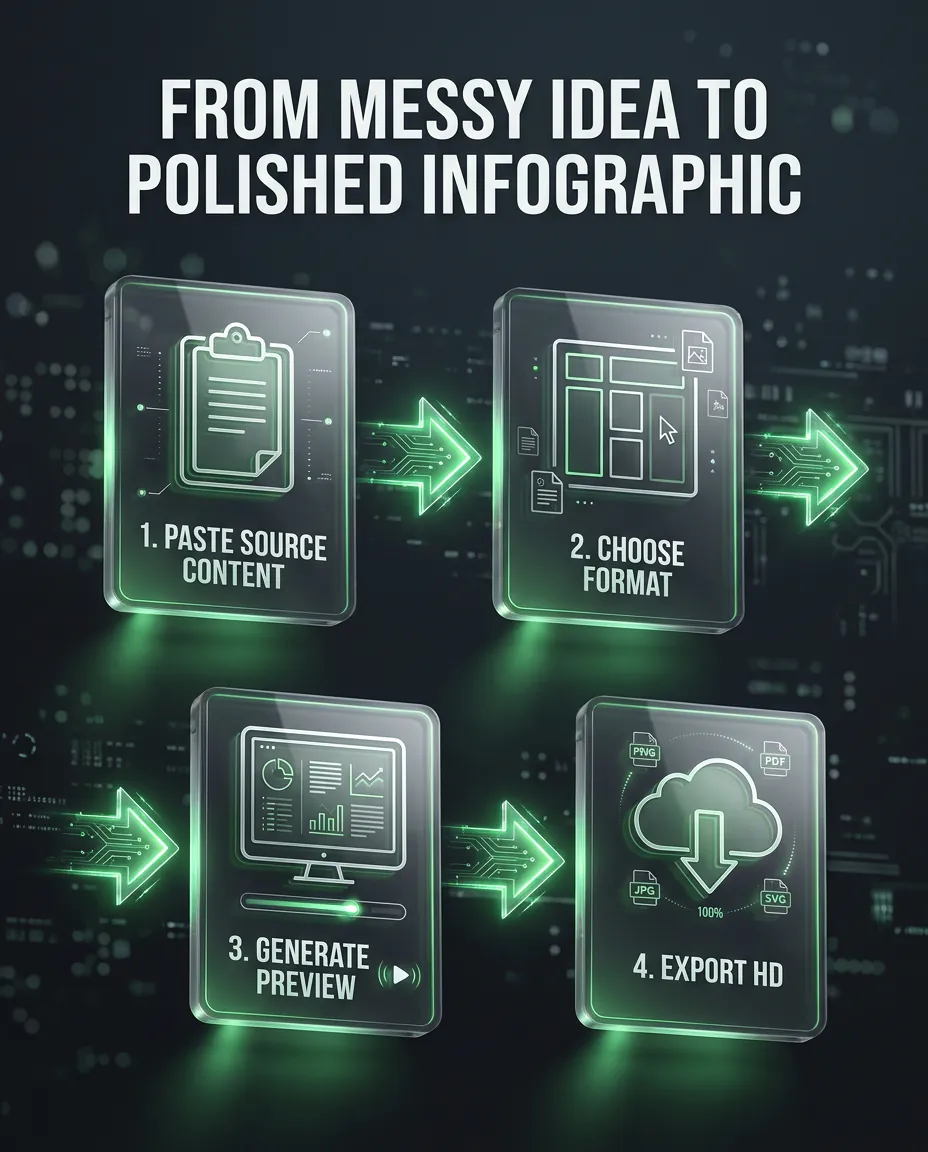
AI infographic generator workflow showing source content turning into a professional infographic preview.
Source material
Start with the material you already have instead of forcing it into a design canvas first.
Generated preview
The preview organizes the message into sections with visual hierarchy, labels, and a layout you can judge before export.
AI infographic generator
An AI infographic generator turns raw source material into a visual draft without making you start from a blank design file. Use it when you have ideas, notes, text, PDFs, links, videos, or reports and need a cleaner way to explain them. infoAIgraphic focuses on practical business visuals: summaries, checklists, timelines, comparisons, social graphics, and presentation-ready outputs. You can generate a free preview first, review whether the content structure works, and only pay when you want the HD export without a watermark.
A simple path from source material to a professional HD export.
Paste text, add a link, upload a document, or bring in the notes you already have.
Pick the structure that fits the job: summary, checklist, timeline, comparison, or presentation visual.
Review the draft first so you can see whether the structure, hierarchy, and message are useful.
Pay only when you want the polished export for publishing, client work, presentations, or commercial use.
These pages should rank because they solve specific source-to-visual workflows, not because they repeat generic AI copy.
Turn a launch note, product update, or investor point into a visual people can understand quickly.
Convert positioning, feature benefits, or campaign ideas into clean visual assets for distribution.
Create graphics that make long posts easier to scan and more useful on social channels.
Shape a checklist, framework, or short guide into something worth saving and sharing.
Turn lesson notes or complex explanations into visuals that help people retain the main idea.
Explain findings, recommendations, or workflows without sending another dense document.
Choose a format that matches the way your source material should be understood.
Compress the most important points into a clean visual your audience can scan quickly.
Turn instructions, requirements, or action items into a practical list people can follow.
Show a process in order without forcing readers through a long paragraph.
Map milestones, stages, or historical context into a clear sequence.
Make tradeoffs, options, or before-and-after stories easier to understand.
Pull out the handful of ideas that deserve to become a social post, slide, or handout.
Create a slide-ready graphic for decks, webinars, workshops, or lessons.
Repurpose source content into a visual that fits LinkedIn, newsletters, and short-form distribution.
General idea
Create a vertical infographic explaining the 5 biggest reasons teams should repurpose content visually.
Article
Turn this article into a 6-section infographic for LinkedIn with a clear takeaway at the end.
Comparison
Create a comparison infographic showing manual design vs AI infographic generation.
Checklist
Turn these launch notes into a practical checklist infographic for a small marketing team.
Education
Create a beginner-friendly infographic that explains this concept with simple sections and examples.
Business
Summarize this strategy memo into a visual decision brief for stakeholders.
Create a free preview before you spend anything. When the result is useful, use credits for the professional HD export with no watermark and commercial use.
Generate free previewTurn notes, paragraphs, outlines, and ideas into structured infographic previews.
Convert PDFs, reports, research notes, and whitepapers into visual summaries.
Turn YouTube videos, webinars, tutorials, and transcripts into infographic recaps.
Create slide-ready visuals from talking points, outlines, lessons, and pitch notes.
Turn reports, analytics, research, and business updates into executive visual summaries.
Repurpose blog posts, articles, and URL content into shareable infographic previews.
No. The app creates the first visual structure for you, so you can start from content instead of a blank design canvas.
Yes. You can generate a preview first. You only pay when you want the HD export without a watermark.
You can use ideas, notes, outlines, article sections, report excerpts, transcripts, or any source material that needs a clearer visual form.
Commercial use is available with the HD export. Always make sure you have rights to any source content you provide.
Yes. Regeneration is useful when the structure is close but the layout, emphasis, or format needs another pass.
It is best for fast drafts, content repurposing, and polished self-serve visuals. A designer may still be useful for complex brand systems or campaigns.
Paste your source material, check the preview, and export HD only when the visual is useful enough to keep.
Generate free preview