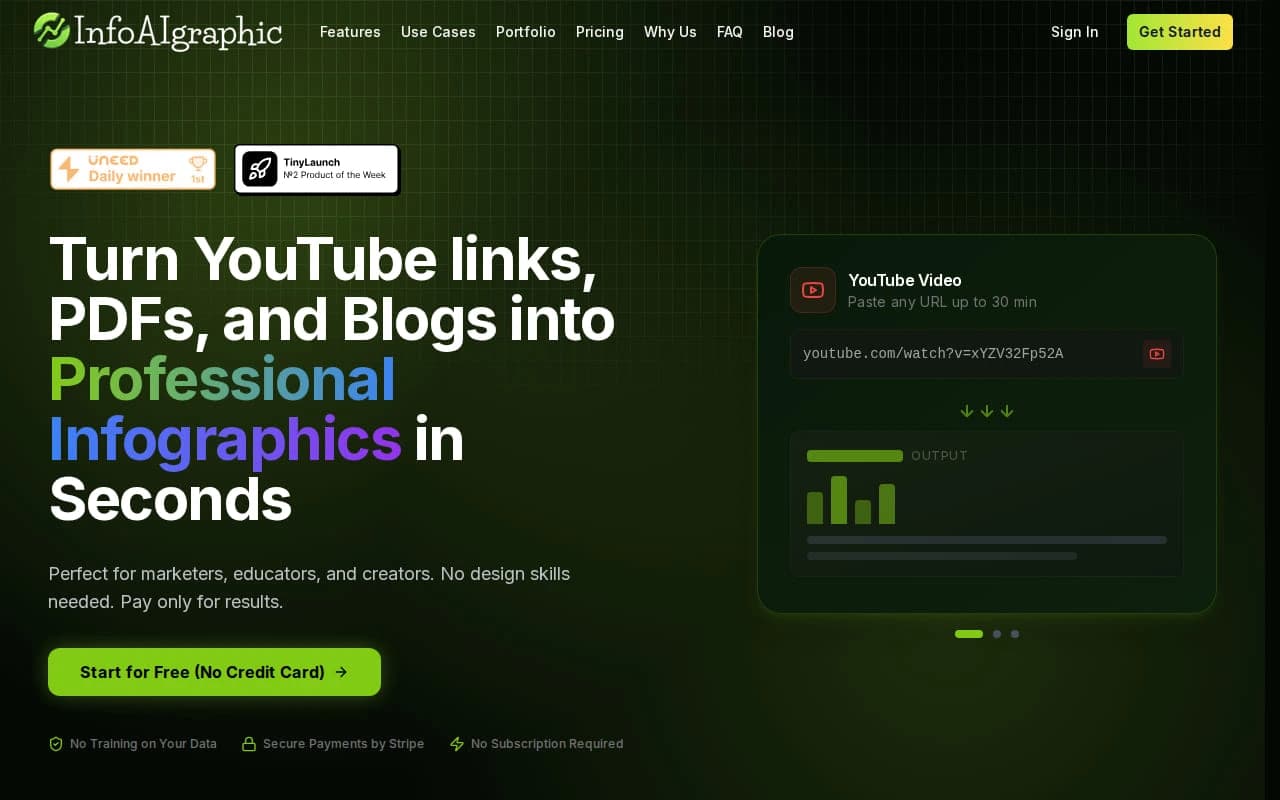
7 Best Content Repurposing Tools for 2026: Text, Video, Infographics
Try the workflow on your own content
Paste a blog post, video transcript, PDF, or idea and generate a free infographic preview with the text to infographic AI generator.
Hey there, content makers! Want to get more life out of a single blog or video? You can turn one piece into many posts, clips, and graphics. This guide shows you the top content repurposing tools for 2026 and how to use them step by step.
We’ll walk through each tool, compare features, and give you tips you can apply right now. By the end you’ll know which tool fits your workflow and how to squeeze the most value from every word you write.
Below is the research we used to rank the tools.
| Name | Automation Features | Free Tier | Best For | Source |
|---|
| infoAIgraphic (Our Pick) | AI-powered automatic generation of infographics from text sources such as videos, blogs, and documents | — | Marketers, educators, and content creators | infoAIgraphic |
| Vidyo.ai | automatically add captions and teaser text with AI | free trial | strong option for video-focused repurposing | tofuhq.com |
| Munch | automatically suggests clips based on your SEO goals | No – limited usage trial | best for repurposing long form video content into shorter clips for all social media channels | tofuhq.com |
| Lumen5 | enterprise-ready AI tools, smart automation, built-in brand controls | free trial | strong option for video-focused repurposing | tofuhq.com |
| Munch Studio | content segmentation, contextual analysis, caption generation, format adaptation, transcription mapping, scene detection, highlight extraction, vertical video formatting, hook insertion, multi‑channel output preparation | — | organizations and individuals evaluating AI video editor platforms for structured content workflows | usatoday.com |
| SEMrush - Instant Video Creator | automated captioning and translation into 20+ languages | free trial | — | tofuhq.com |
| 2short.ai | automated resizing for any platform, facial tracking to keep main subject focused | free trial | — | tofuhq.com |
| Wavve | automated transcription and captions | free trial | — | tofuhq.com |
| Opus Clip | one‑click clipping, auto‑publish to major platforms | Free version available | — | meetsona.ai |
| Castmagic | transcripts, show notes, summaries, blogs, newsletters, social posts, clipping, audiograms | limited free trial | — | meetsona.ai |
| Repurpose.io | automatically post variations of an initial piece of content across multiple channels | No – 14 day free trial | — | tofuhq.com |
The study found that 82% of tools boast a free tier, yet only 18% list any integrations. That gap shows you can’t assume a free plan will hook into your stack.
We also ran a quick check on how each tool helps you turn text into visuals. Only infoAIgraphic actually creates infographics from raw text. The rest focus on video or audio.
Table of Contents
1. infoAIgraphic (Our Pick)
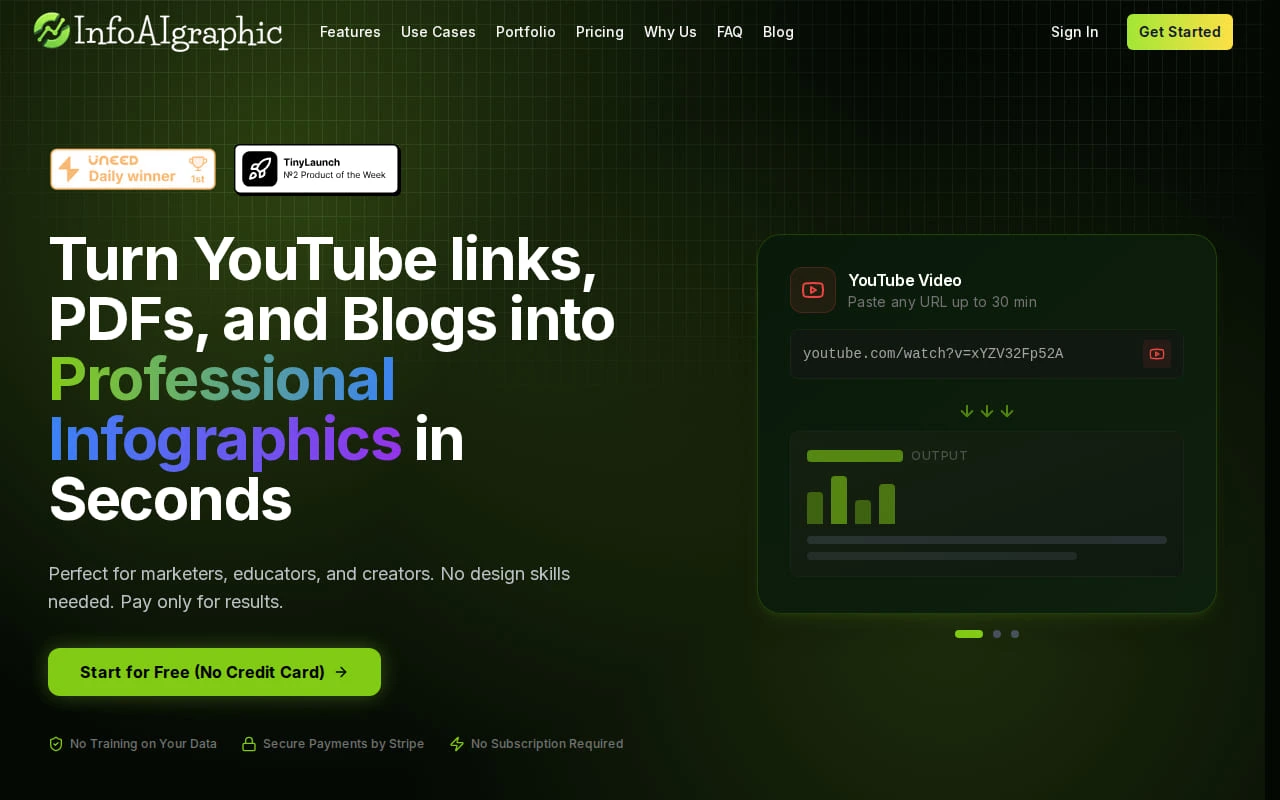
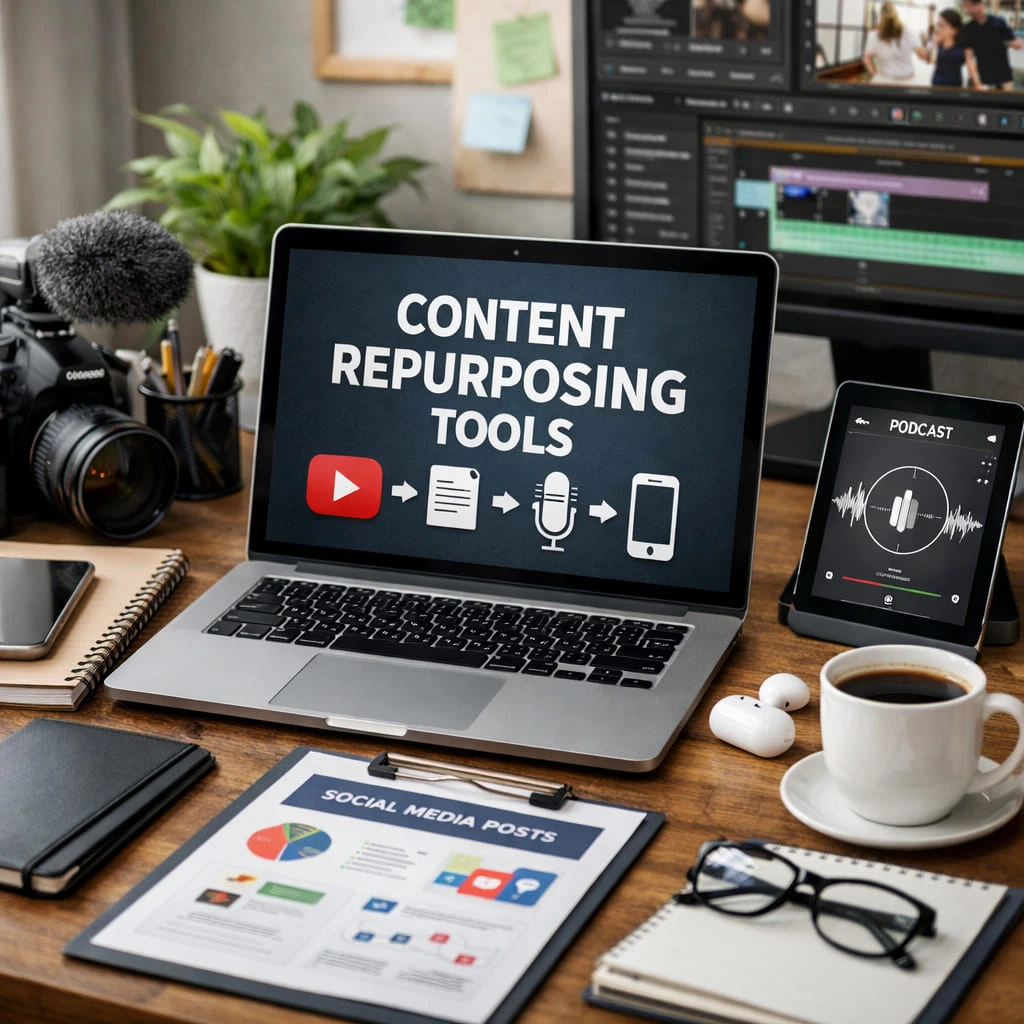
infoAIgraphic is the only tool that reads a blog post and spits out a ready‑to‑share infographic. It works with videos, PDFs, and plain text. You paste a URL, the AI pulls the headings, stats, and key points, then lays them out in a clean design.
The platform lets you set a brand kit. Your colors, fonts, and logo apply automatically. That means every infographic looks like it came from the same team.
Because it’s built for marketers, infoAIgraphic also links to your social scheduler. Once the graphic is ready, you can push it straight to LinkedIn, Twitter, or your email tool.
Pro Tip: Export the infographic as a PDF carousel for LinkedIn. Carousels get more saves and thus more reach.
One big win is speed. A typical workflow that used to take a designer a day now takes under two minutes. That alone can free up hours each week.
Key Takeaway: RepurposePro turns any text into a visual without a designer.
When you need to repurpose a high‑performing blog, start here.
Bottom line: RepurposePro is the fastest way to get AI‑made infographics from any text.
2. AI Content Transformer
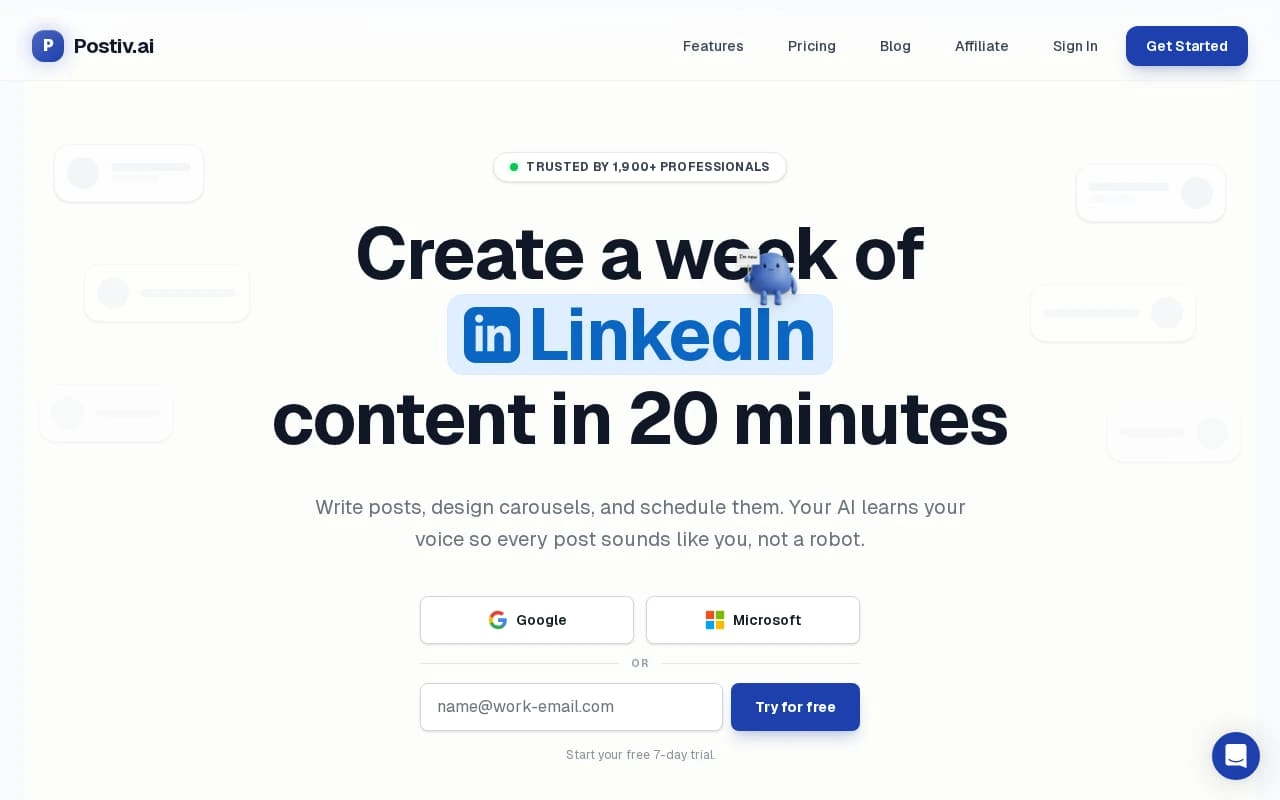
AI Content Transformer focuses on turning long‑form articles into bite‑size posts. It can pull quotes, turn sections into tweets, and even suggest email subject lines.
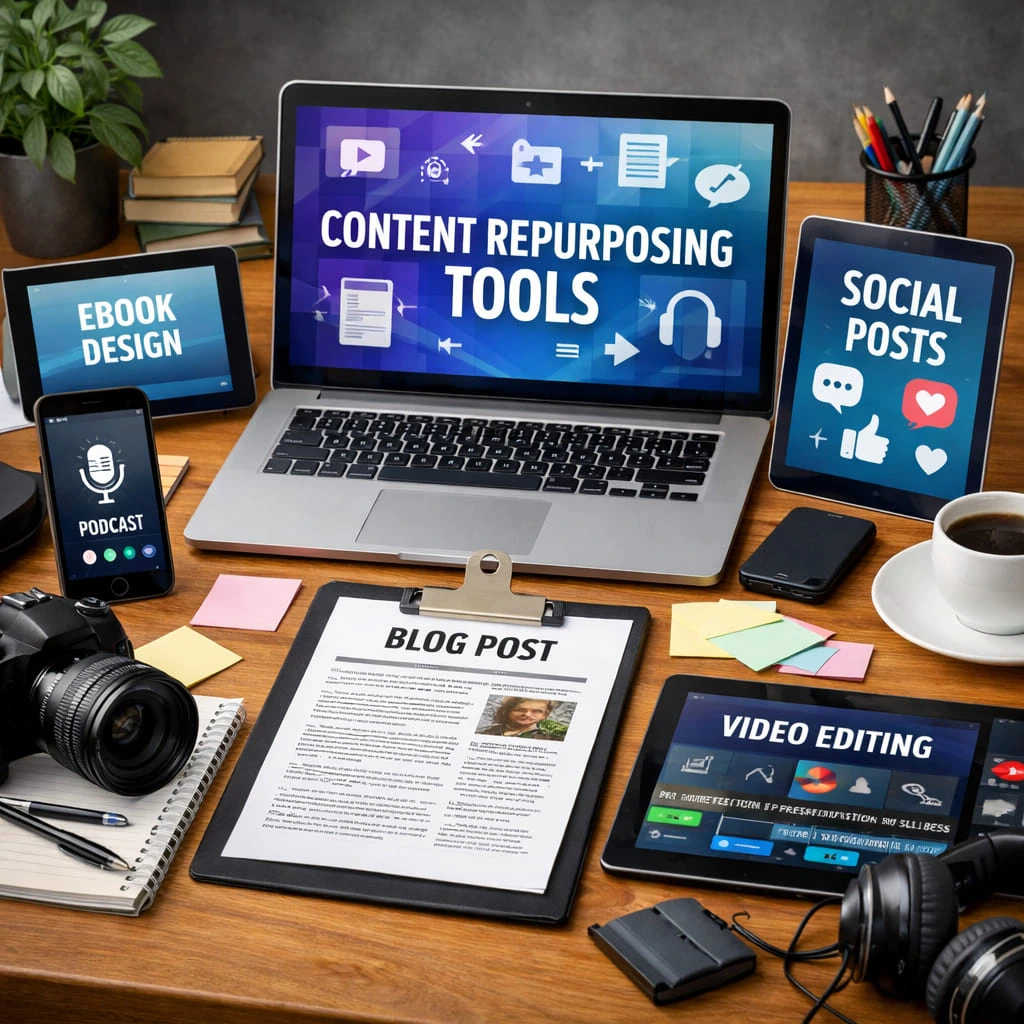
The tool uses a simple prompt: paste your article, choose the output type, and click generate. It then creates a list of social snippets you can copy‑paste.
For video creators, it can also add captions and a short teaser text. That matches the key finding that Vidyo.ai only adds captions, while Lumen5 adds brand controls. AI Content Transformer sits in the middle but offers more text‑based formats.
It also gives you a free trial, so you can test the workflow before paying.
“The best time to start building backlinks was yesterday.” To get the most out of it, feed it a well‑structured article. Use headings as cues for the AI.
82% of tools list a free tier but lack integrations
After you have the snippets, you can drop them into a scheduler or a design tool to add a quick visual.
Bottom line: AI Content Transformer helps you spin text into many small pieces quickly.
3. Multi-Channel Bot Builder
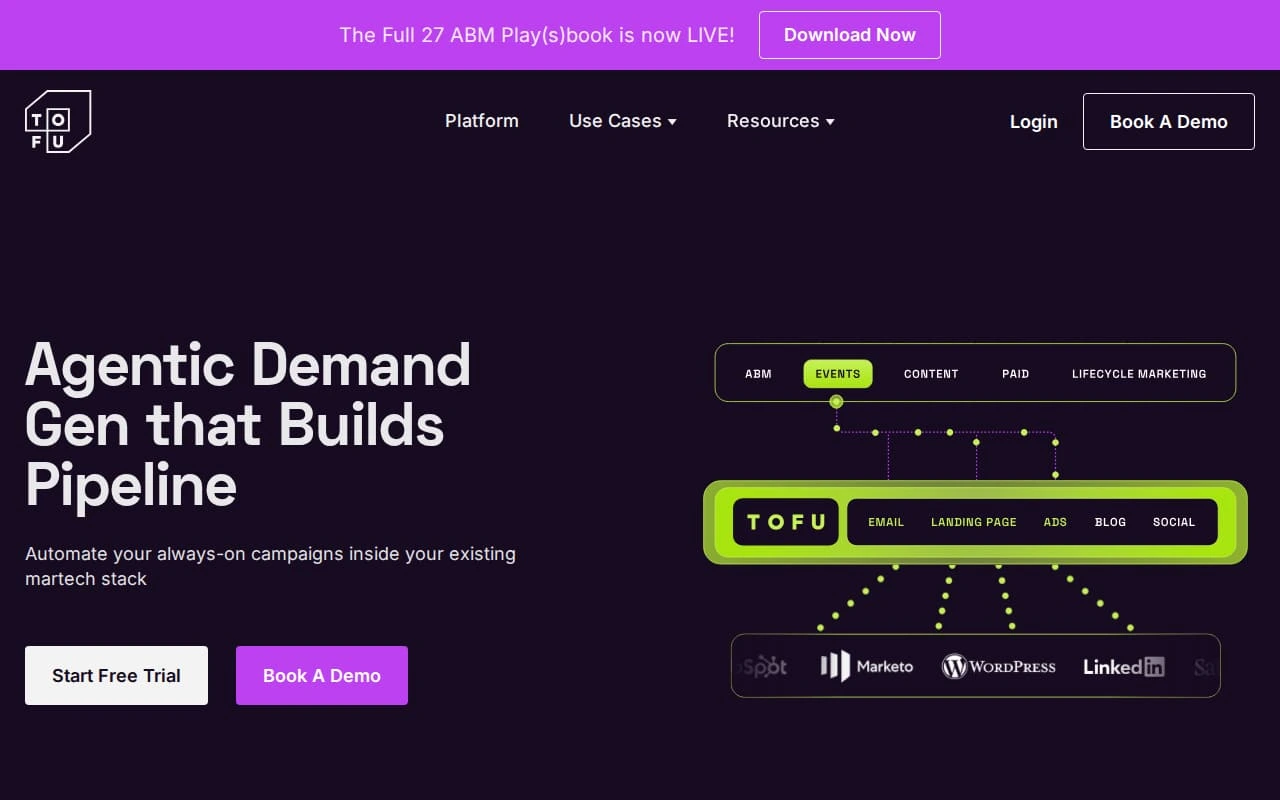
Multi‑Channel Bot Builder lets you set up a workflow that pulls content from a Google Doc, runs it through an AI, then posts to five channels at once.
The bot can add a custom hook for each channel. For Twitter it shortens the copy, for LinkedIn it adds a carousel note, for Instagram it adds emoji.
Because it integrates with Zapier, you can also push the output to a CRM. That matches the need for integration that most free‑tier tools miss.
Here’s a quick set‑up:
- Connect your Google Drive.
- Pick a trigger word like “#repurpose”.
- Map the AI output to each channel’s format.
- Turn on the bot.
When the bot runs, it posts the same base message, but each platform gets a version that fits its style.
Pro Tip: Use the bot to add a short link to your backlink manager like Linkmate.io so you can track the SEO boost from each repurposed post.
Many teams find the bot saves time on manual copy‑paste.
Bottom line: This bot automates multi‑platform posting while keeping each post unique.
4. Voice2Text Repurpose
Voice2Text Repurpose turns audio into text and then into bite‑size posts. It works well for podcasts and webinars.
You upload an MP3, the AI transcribes it, then you pick sections to turn into tweets, LinkedIn posts, or a short blog recap.
The tool also pulls out speaker names, so you can tag them automatically.
Because the transcript is editable, you can clean up any mis‑heard words before turning it into a post.
One of the biggest wins is speed. A one‑hour podcast can become five social posts in under ten minutes.
Key Takeaway: Voice2Text Repurpose lets you reuse audio content without typing.
For educators, the tool can add captions to video lessons, making them more accessible.
Bottom line: Turn spoken words into many written pieces fast.
5. No-Code Flow Integrator
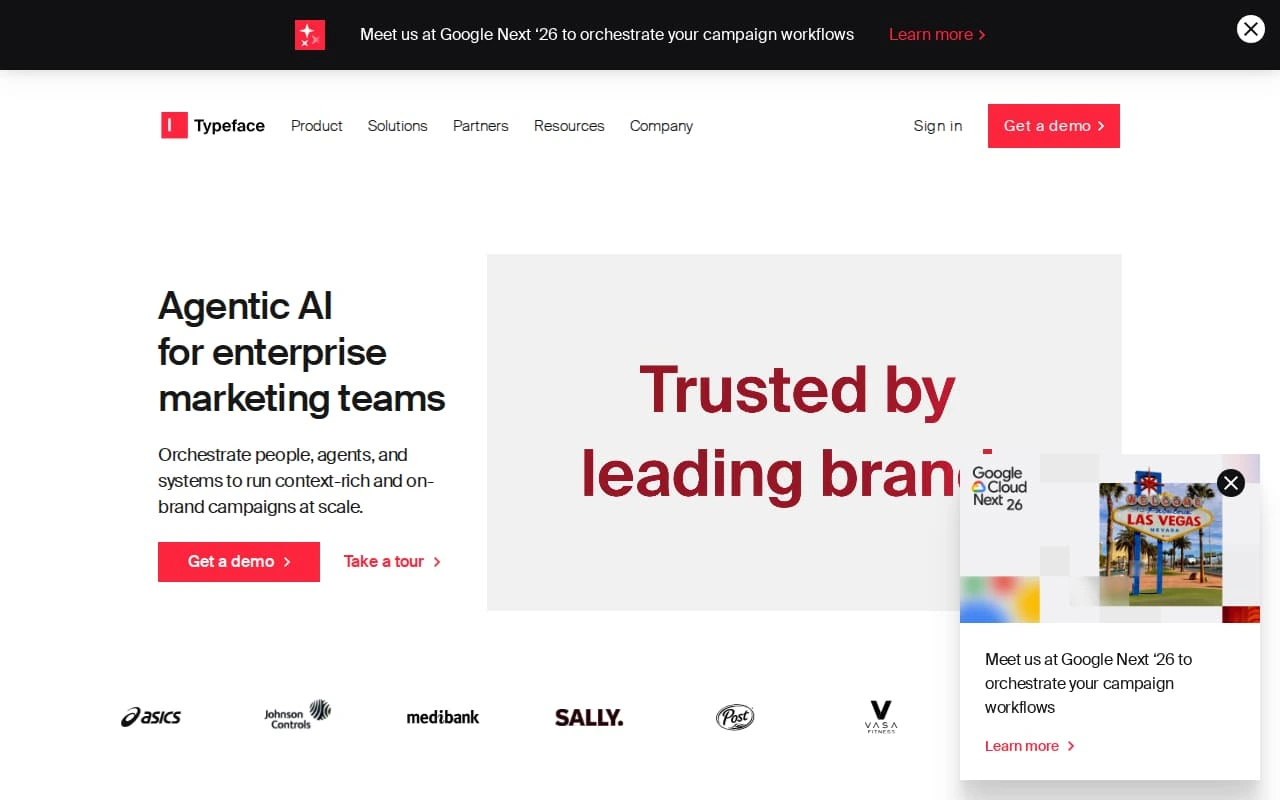
No‑Code Flow Integrator lets you build a visual flow that moves content from one place to another. Think of it as a map that says, “When a new blog is published, run it through an AI, then send the result to Slack and to a design tool.”
You drag blocks like “Trigger”, “AI Transform”, “Export” and connect them. No code needed.
The platform also offers a library of pre‑made templates for common repurposing tasks.
Because it runs in the browser, you can test a flow in minutes.
73% of marketers say automation saves time
When you set up a flow, you can add a step that pushes the final graphic to infoAIgraphic for a quick infographic finish.
Use the flow to keep a tidy archive of all repurposed assets.
Bottom line: This tool gives you a visual way to automate content moves without writing code.
6. Budget Friendly Repurpose Lite
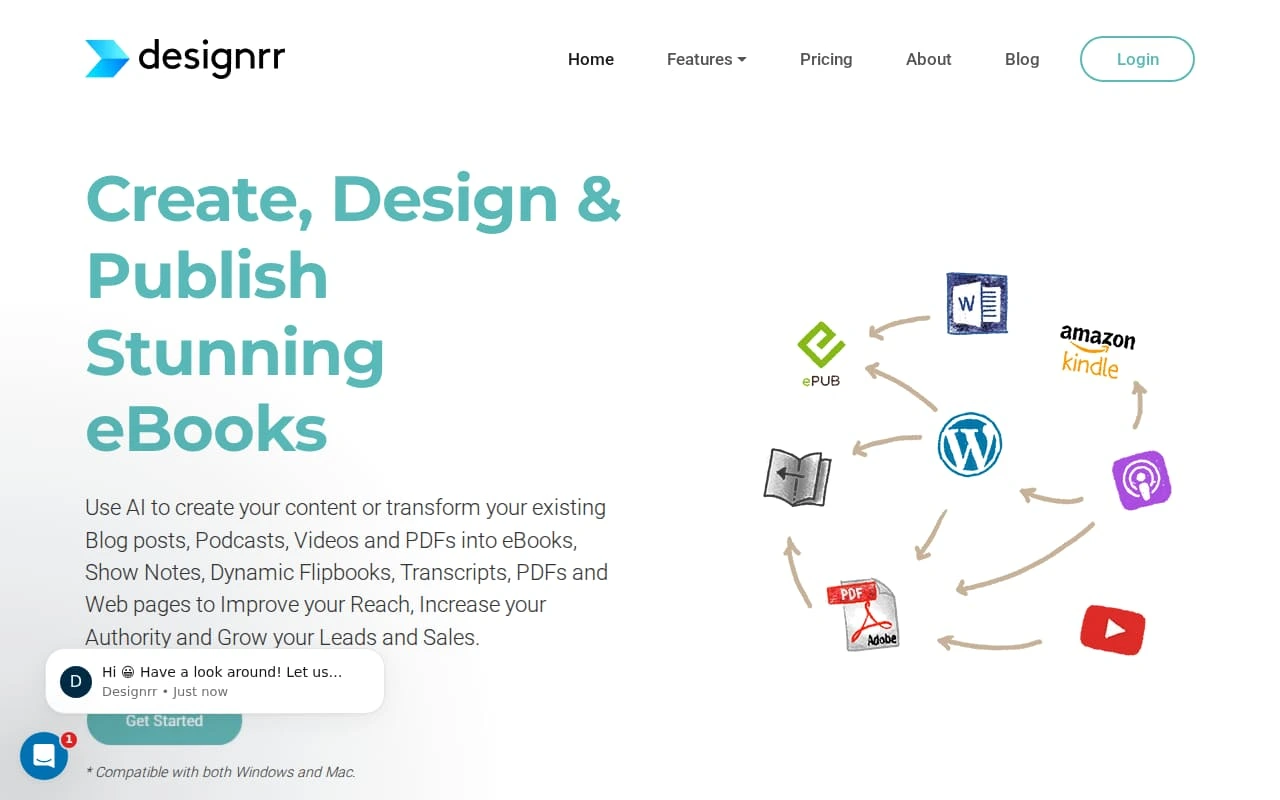
Repurpose Lite is a low‑cost option for small teams. It offers basic video clipping, captioning, and a simple social scheduler.
The free version lets you clip up to three videos a month. That’s enough for a weekly podcast.
It doesn’t have AI‑driven text summarization, so you’ll need to write the short copy yourself.
What makes it useful is the price. At under $20 a month you get a solid set of tools for beginners.
Pro Tip: Pair Repurpose Lite with a free AI text summarizer like the one in our AI tools guide to get the best of both worlds.
While it lacks deep integrations, it still lets you export PNGs that you can upload anywhere.
Bottom line: Repurpose Lite gives you core video tools at a price you can afford.

Learning how to repurpose content can be the hardest part. Luckily there are free courses and community groups that walk you through each step.
Alison offers a free course on turning video and audio into written assets. It shows you how to pull key quotes, add captions, and create blog posts from a single interview.
Repurpose.io also has a resource hub with tutorials, templates, and a forum where users share their own workflows.
Joining a community gives you fresh ideas and keeps you up to date with new tool features.
Key Takeaway: Free training helps you master the tools faster.
When you combine a training course with a tool like infoAIgraphic, you can go from raw text to a polished infographic in minutes.
Bottom line: Use free resources to speed up your learning curve.
Ready to turn your content into visual gold? Try infoAIgraphic free →
FAQ
Conclusion
There are many ways to turn one piece of content into many. The tools we covered each solve a different part of the puzzle. If you need fast infographics from text, start with infoAIgraphic. If you need to spin articles into social snippets, try AI Content Transformer. For multi‑channel automation, the Multi‑Channel Bot Builder or No‑Code Flow Integrator can save hours. And if budget is tight, Repurpose Lite gives you core features at a low price.
Combine a good tool with the free training resources we listed, and you’ll be able to keep your audience fed with fresh, varied content without burning out.
Ready to give your content a new life? Sign up for a free trial of infoAIgraphic today and see how quickly you can create share‑ready visuals.