Vision Board Examples: How B2B Teams Visualize Success in 2026
Discover practical B2B vision board examples and learn how to create a digital vision board using AI. Explore templates, workflows, and expert tips.
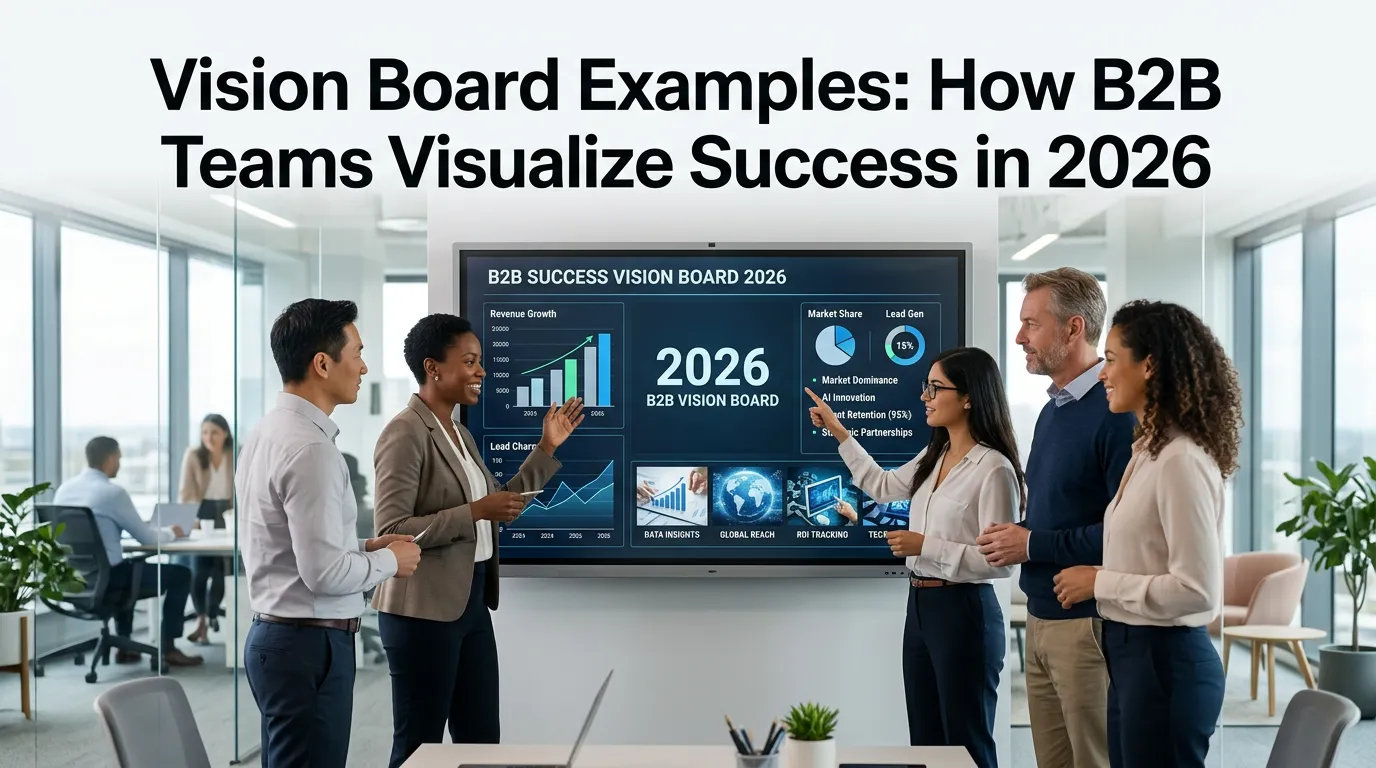
Vision Board Examples: How B2B Teams Visualize Success in 2026
I’ve spent the last few years building InfoAIGraphic, helping founders and marketers turn boring data into stunning visual narratives. One of the most frequent requests I get isn’t about marketing metrics or social media posts—it’s about internal alignment. People want to know how to visualize their company’s future.
Most teams rely on static spreadsheets or dense text documents to outline their quarterly objectives. These files usually sit in a dusty cloud folder, completely ignored by the very people who need to execute the strategy. If you want your team to actually care about your milestones, you need to make them visual.
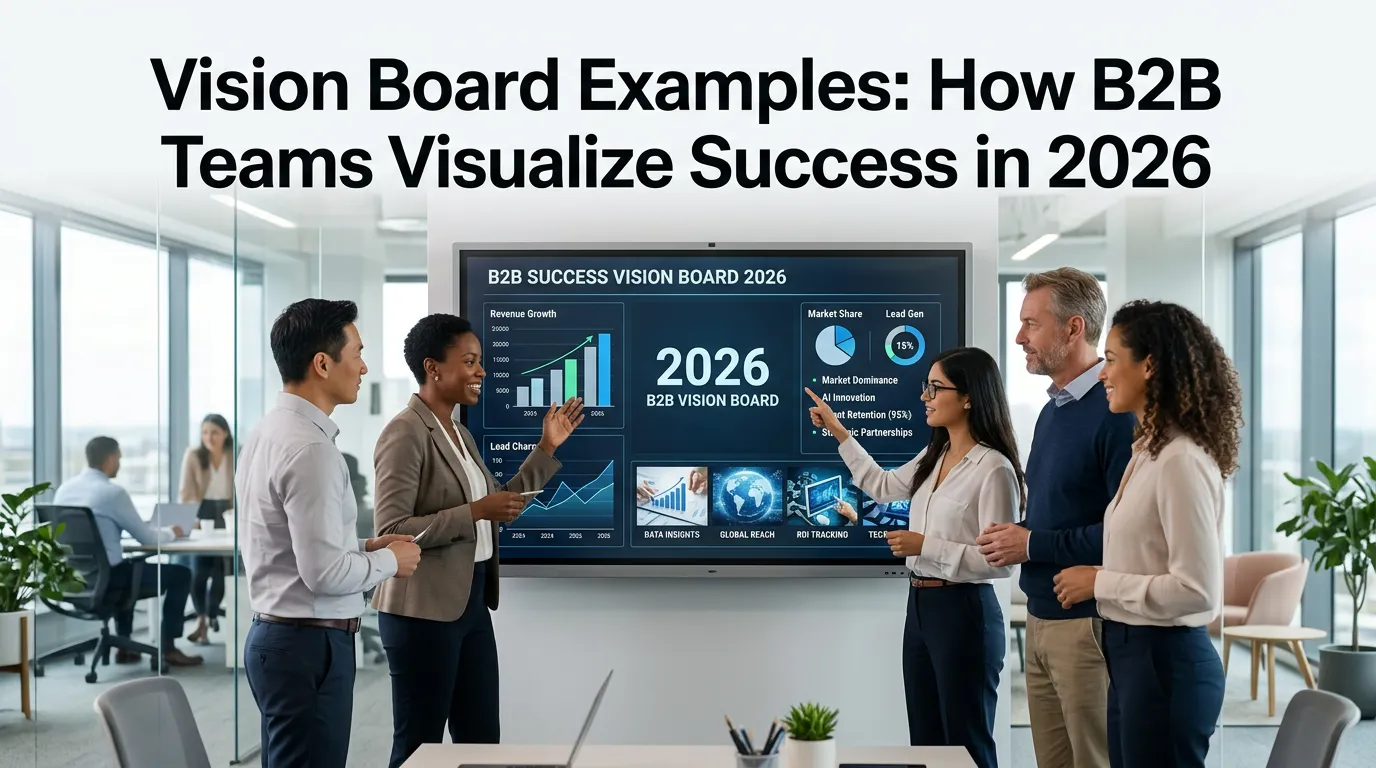
That’s where a well-crafted business vision board template comes in. It bridges the gap between abstract corporate strategy and daily execution.
Key Takeaways
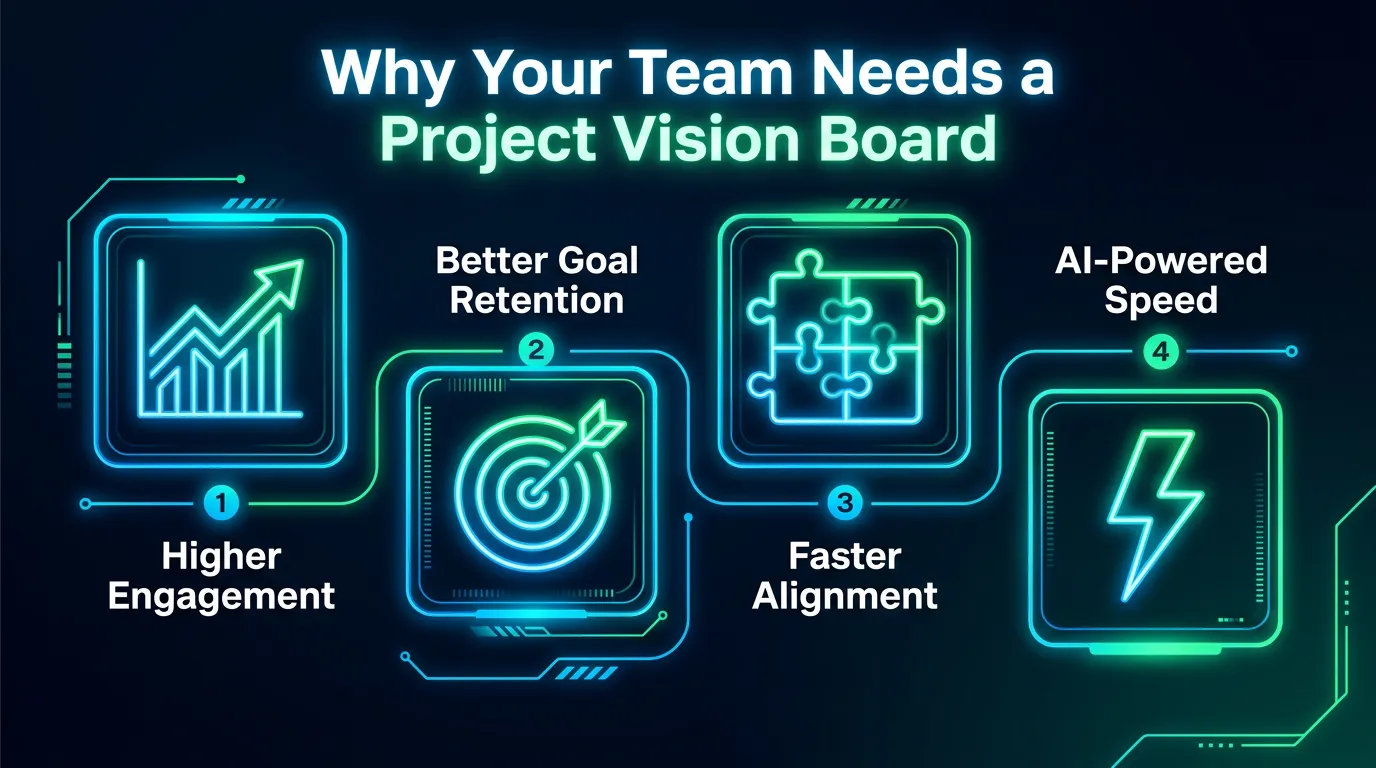
- Visuals drive execution: Replacing text-heavy strategy documents with a digital vision board dramatically increases team alignment and goal retention.
- AI speeds up the process: You no longer need a design team to build internal visual assets; AI tools can generate project vision boards in minutes.
- Focus on data, not just dreams: A B2B vision board should anchor inspirational goals with hard data, milestones, and actionable workflows.
The Problem With Text-Based Strategy
As a founder, I used to write ten-page strategy memos. I thought I was being thorough. In reality, I was just putting my team to sleep.
Indeed notes that visions provide a long-term endpoint while goals are milestones. But if that endpoint is buried on page seven of a Google Doc, nobody is looking at it. Human brains are wired to process images. In fact, Adobe explains that visual communication allows us to break down complicated ideas into digestible formats that are memorable.
When you transition from a text document to a project vision board, you immediately fix two massive failures in corporate communication:
- Lack of emotional connection: Spreadsheets don’t inspire people.
- Poor retention: Nobody memorizes a bulleted list of KPIs.
I see this all the time when I help users troubleshoot infographic workflows. They start with too much text and wonder why the visual feels cluttered. The magic happens when you strip away the noise and let the visual hierarchy tell the story.
Real-World Vision Board Examples for B2B
So, what does a professional digital vision board actually look like? Forget the magazines and glue sticks. We are talking about data-driven, visually compelling dashboards that live in your team’s workspace.
The Product Launch Board
If you are pushing a new SaaS feature, a project vision board keeps the product, marketing, and sales teams on the exact same page. It includes the user persona, core value proposition, targeted launch date, and key metrics for success.
The Company Culture Board
When scaling a remote team, maintaining culture is tough. A visual board highlighting your core values, upcoming team retreats, and major company milestones helps remote workers feel connected. Entrepreneur magazine reports that 82% of small business owners who use vision boards accomplish over half their goals. That visualization keeps the team motivated.
The Complex Data Board
Sometimes your vision requires explaining a highly technical shift in the market. Just as you might use AI to simplify complex healthcare data, you can use a vision board to translate complicated market research into a clear, actionable roadmap for your sales team.
Here is a quick breakdown of how these visual tools compare to traditional methods:
| Format | Engagement Level | Creation Time | Best Use Case |
|---|---|---|---|
| Text Memo / Doc | Low | Medium | Deep technical documentation |
| Slide Deck | Medium | High | Live presentations and pitches |
| Manual Vision Board | High | Very High | Personal, non-business goals |
| AI Digital Vision Board | High | Low | Team alignment and daily strategy tracking |
AWS highlights that data visualization translates high-volume or numerical data into representations that decision-makers can easily process to identify trends. That’s the exact framework you should apply to your company’s future.
Step-by-step guide
If you are ready to build a business vision board template using AI, here is the exact workflow I use at InfoAIGraphic.
- Define your single core objective: Don’t try to cram five years of strategy onto one board. Pick a theme. Is this for Q3 revenue? A new product launch? Write down the primary goal in one clear sentence.
- Gather your milestones and metrics: A B2B board needs numbers. Identify 3-5 KPIs that prove you are making progress. Tableau emphasizes that visualizing data makes it incredibly easy to see trends and outliers.
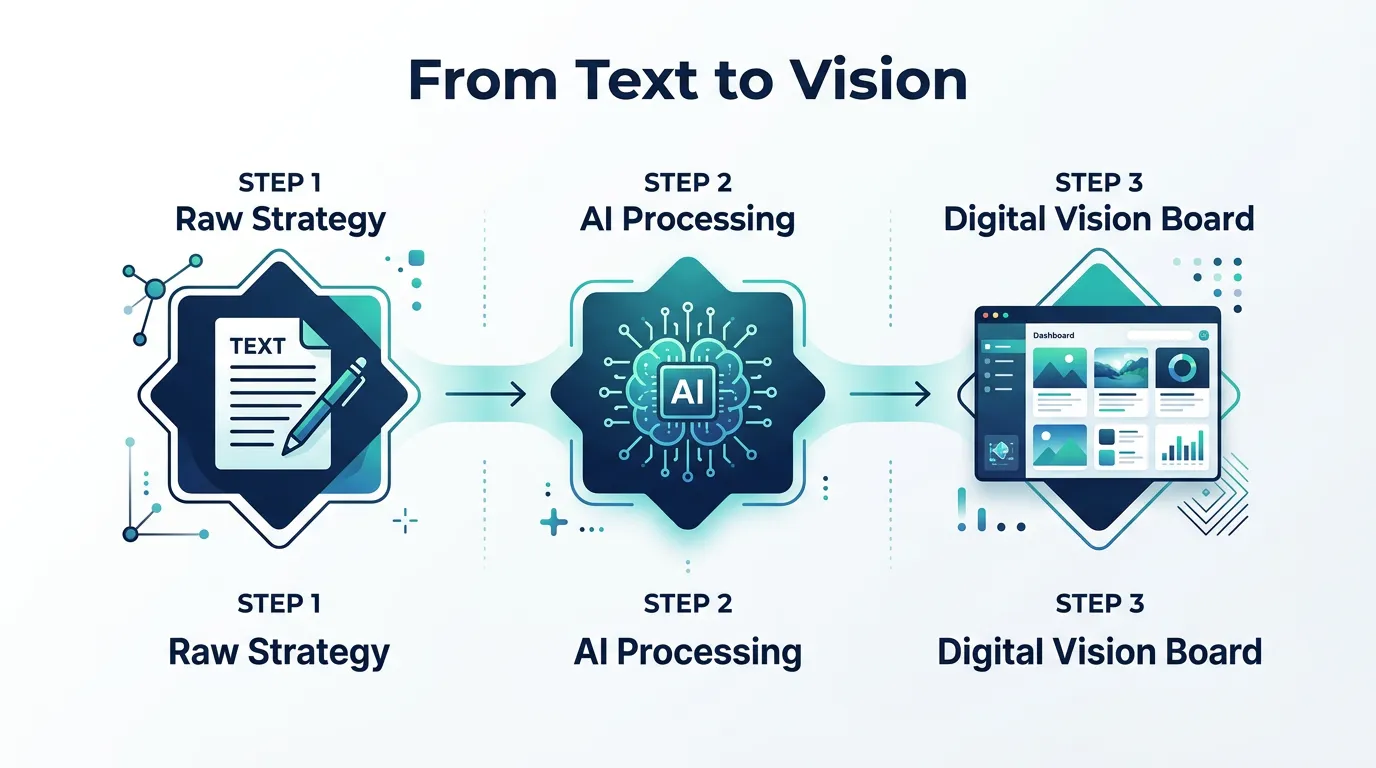
- Feed your text into an AI generator: Take your goal and your metrics and input them into InfoAIGraphic. If you haven’t done this before, check out my AI infographic design for beginners guide. You simply describe what you want, and the AI handles the layout.
- Refine the visual hierarchy: Ensure the most important metric or milestone is the largest element on the board. The eye should naturally flow from the big picture down to the tactical steps.
- Distribute and display: A digital vision board is useless if it lives in a closed folder. Set it as the desktop background for company laptops, pin it in your main Slack channel, or embed it in your Notion workspace.
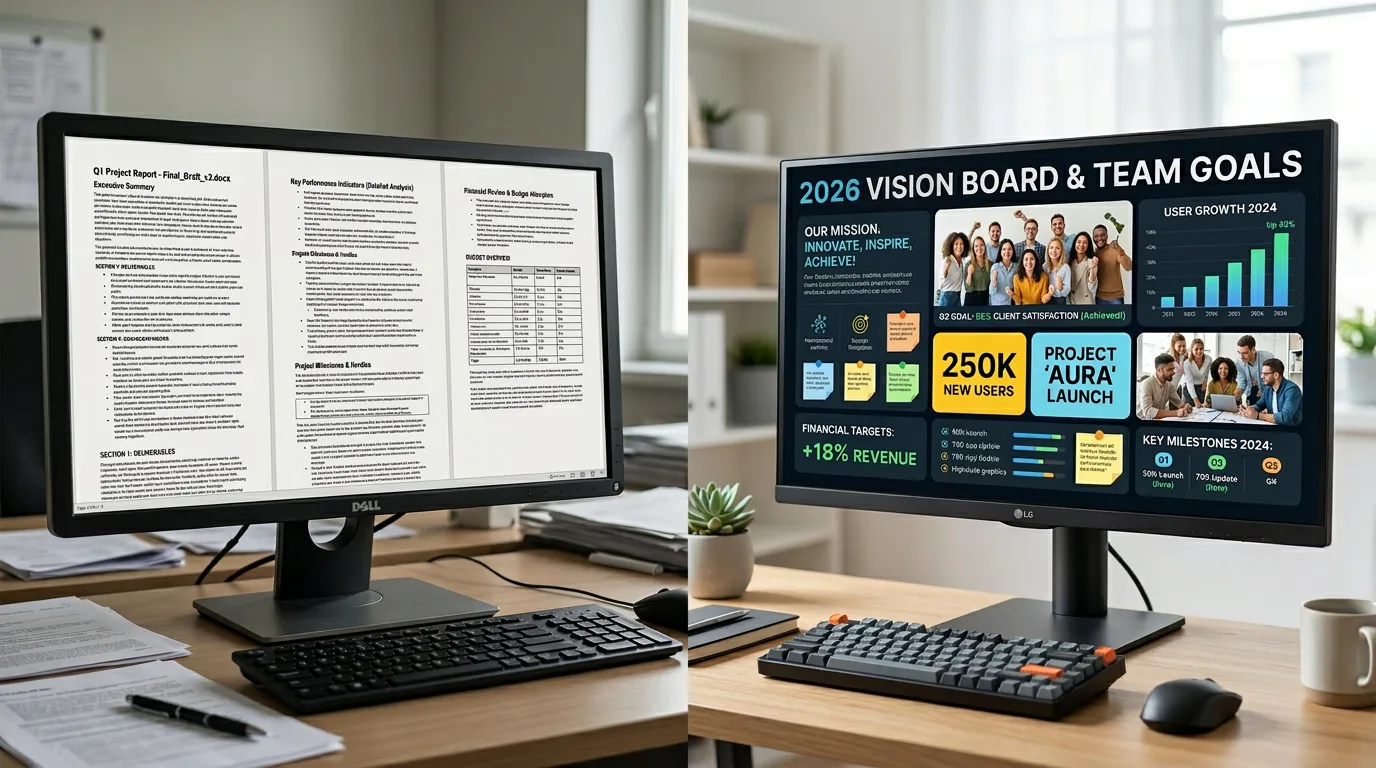
For more ideas on how to structure your layout, you can browse through these AI infographic examples for inspiration.
FAQ
Q: Are vision boards actually useful for corporate teams, or just personal goals? A: They are incredibly useful for corporate teams. By replacing dense text with visual milestones, teams understand the strategy faster and retain the information longer.
Q: How often should I update my project vision board? A: I recommend updating it quarterly. As your business objectives pivot, your visual alignment tools need to reflect those changes so your team isn’t working toward outdated goals.
Q: Do I need graphic design skills to make a digital vision board? A: Not anymore. With modern AI tools, you only need to know your data and your goals. The AI handles the color palettes, typography, and spatial arrangements for you.
Conclusion
Stop hiding your company’s biggest goals inside boring documents. The best vision board examples out there prove that when you put your milestones in a clear, visual format, your team executes with more focus and energy. Creating a business vision board template used to take hours of manual design work, but with AI, you can generate one before your next morning meeting.
If you are ready to transform your strategy into a stunning digital vision board, give InfoAIGraphic a try. Just type in your goals, and let the AI do the heavy lifting.
Share this article

Mateoo
Founder of InfoAIgraphic
Building the fastest way to turn text into viral infographics. Helping creators and businesses scale their visual content without design skills.
Related Articles

YouTube Video Summarizer API Key: The Founders Guide to AI Infographics
Discover how a YouTube video summarizer API key transforms long content into stunning AI infographics. Learn workflows, prompt engineering, and visual data
How to Edit Text in Image Files: The Founder’s Guide of Infographic Design 2026
Learn how to edit text in image files using AI. Discover how marketers extract data from static visuals and turn them into dynamic, stunning infographics.

The Ultimate Guide to Infographic Workflow Troubleshooting: Debugging 6 Common Failures
The Ultimate Guide to Infographic Workflow Troubleshooting: Debugging 6 Common Failures — practical informational guide to "infographic workflow